Your Smartphone Knows a Lot About You. Here Is How to Take Control
A simple guide to checking location access, app permissions, tracking choices and personal data exposure.
A smartphone can hold your contacts, messages, photos, shopping history and movements. That does not mean every application sees all of it. Different systems and apps have different permissions and data practices—and understanding those differences is the first step toward more control.
Review location access
Open your phone’s privacy settings and see which apps can use your location. Consider whether each app needs access all the time, only while you are using it or not at all. Navigation apps may need precise positioning; a simple game usually does not.

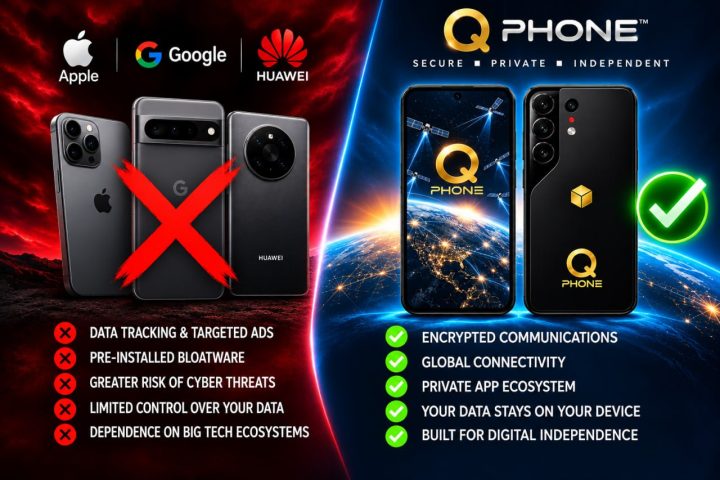
PRESIDENT TRUMP INTRODUCING THE ‘Q’ PHONE
READ FULL STORYCheck the camera and microphone
Look for applications with camera and microphone permissions that no longer make sense. Grant access only when needed. Pay attention to the system indicators that show when these features are active.
Reduce unnecessary sharing
Advertising identifiers, analytics settings and background activity controls vary by device. Review the options available to you and keep in mind that switching off personalized advertising does not necessarily stop every kind of data collection.
Protect the device itself
Use a strong screen lock, enable device encryption where supported and activate a legitimate find-my-device service if it fits your needs. Treat cloud backups as another account that must be secured with strong sign-in protection.
Make a regular privacy checkup
Set aside a few minutes every couple of months to remove unused applications and revisit permissions. Product features and privacy menus change, so follow the instructions for your current phone and software version.
Privacy is not a switch that turns all data collection on or off. It is a series of choices about what you share, with whom and for what purpose.